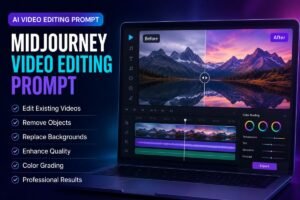
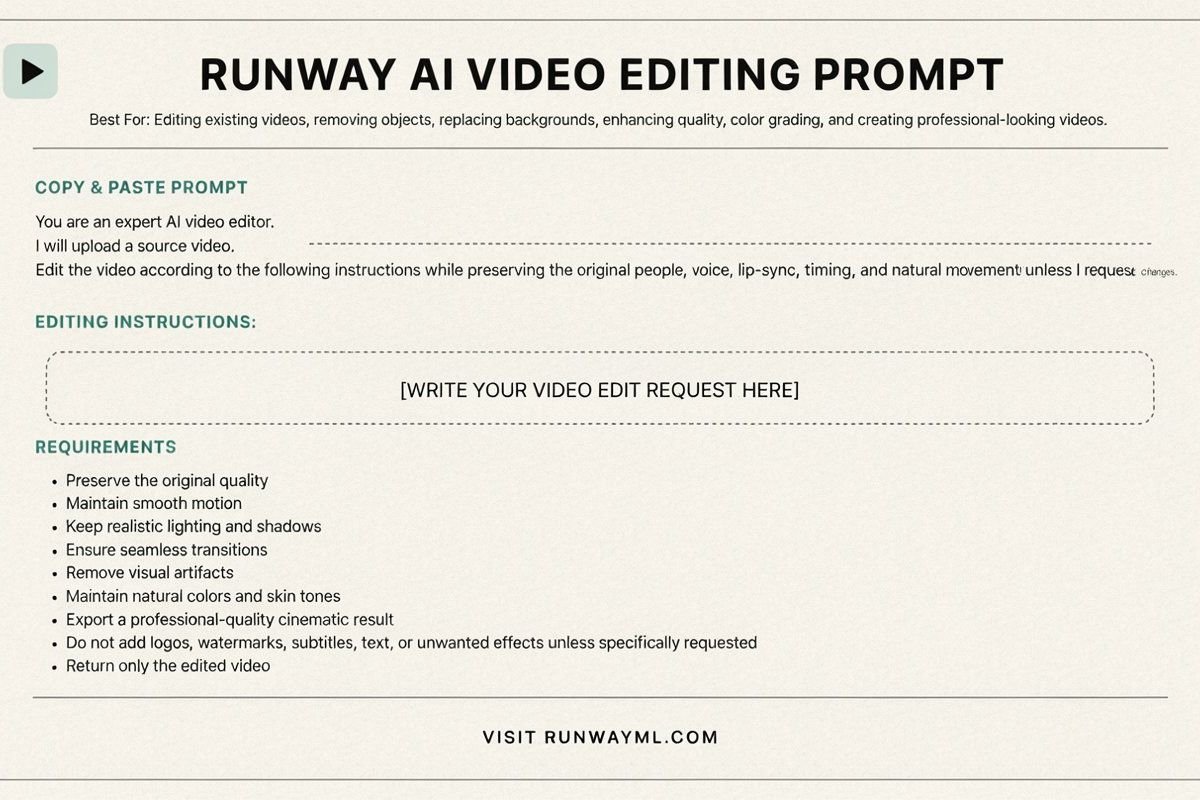
Best For: Editing existing videos, removing objects, replacing backgrounds, enhancing quality, color grading, and creating professional-looking videos.
Copy & Paste Prompt
You are an expert AI video editor.
I will upload a source video.
Edit the video according to the following instructions while preserving the original people, voice, lip-sync, timing, and natural movement unless I request changes.
Editing Instructions: [WRITE YOUR VIDEO EDIT REQUEST HERE]
Requirements:
- Preserve the original quality.
- Maintain smooth motion.
- Keep realistic lighting and shadows.
- Ensure seamless transitions.
- Remove visual artifacts.
- Maintain natural colors and skin tones.
- Export a professional-quality cinematic result.
- Do not add logos, watermarks, subtitles, text, or unwanted effects unless specifically requested.
Return only the edited video.
Need to generate a brand-new video from scratch instead of editing existing footage? See our OpenAI Sora Video Prompt for a text-to-video approach. And if your source material is a still image rather than a video, our ChatGPT Image Editing Prompt follows the same preservation-first editing philosophy.
Once your edited video is ready, a few manual touches can still take it further. Our complete video editing guide covers pacing, color grading, and sound design tips that pair well with AI-edited footage.
Visit: Runway